



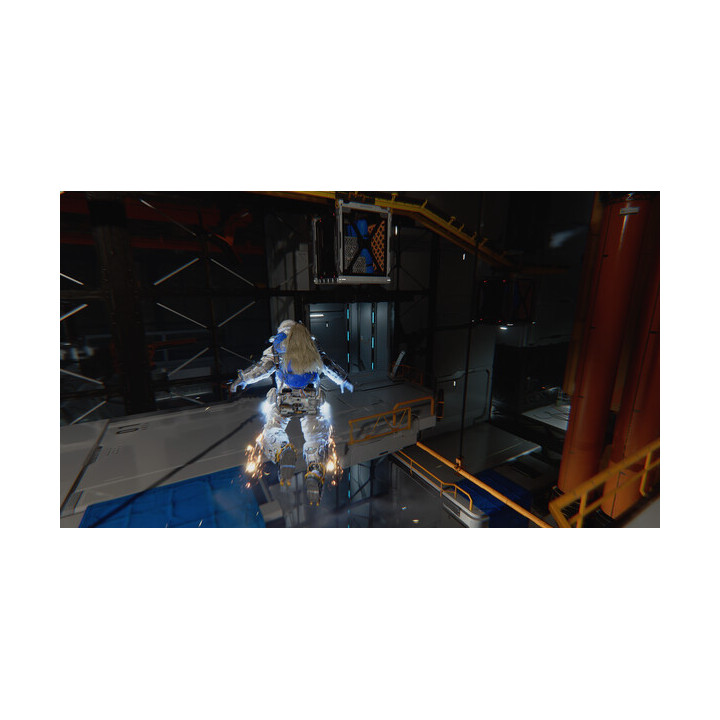
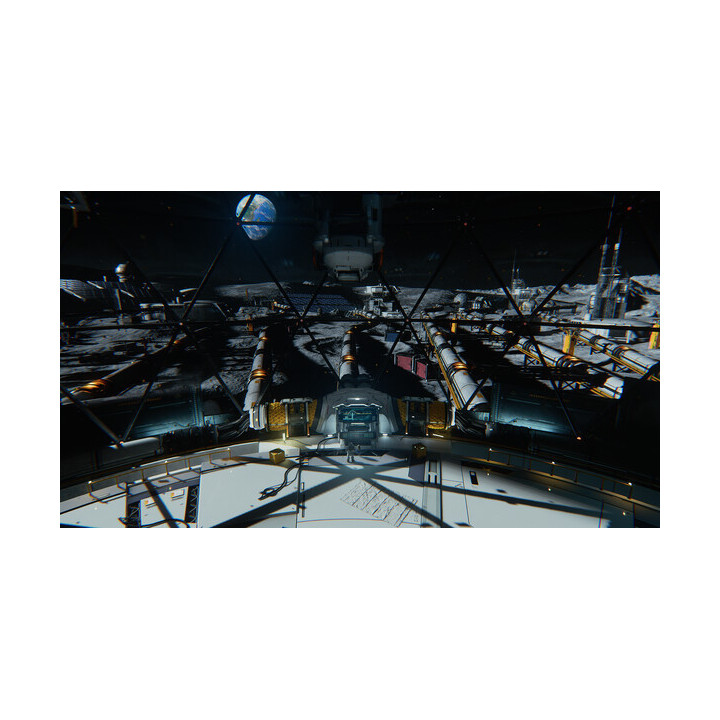

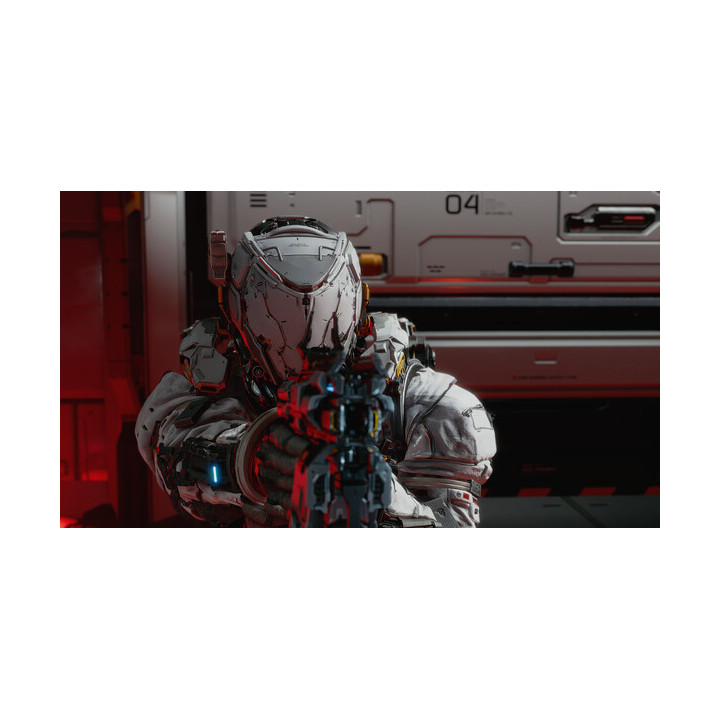
PRAGAMATA DELUXE EDITION (PC OFFLINE) images
PRAGAMATA DELUXE EDITION (PC OFFLINE)
Price:
$0.50
Product Description & Activation Instructions
You will receive access to a Steam account that contains the game.
Important Notes:
• The game can only be played using the account provided by us.
• Each purchase allows activation on one device only.
• Account information cannot be changed.
• Follow the instructions below to activate the game for the first time.
First-Time Activation:
1. Log in to the provided Steam account.
2. If Steam Guard code is required, contact us on Instagram.
3. Disable Remote Play and Cloud in Steam settings:
Steam (on the top-lift corner)→ Settings → Cloud & Remote Play → turn off the first option.
4. Download the game.
5. Open the game for 1 minute, then close it. You can use Alt + F4.
6. Click Steam in the top-left corner → select Go Offline.
7. Open the game and play.
How to Switch Back to Your Own Account:
Click the profile picture → Change Account → Continue → choose the account you want.
For Future Play:
1. Open Steam using the provided account.
2. Click Steam in the top-left corner.
3. Select Go Offline.
4. Open the game and play.
-
Reference00001
-
In stock10 Items
 Security policy
(edit with the Customer Reassurance module)
 Delivery policy
(edit with the Customer Reassurance module)
 Return policy
(edit with the Customer Reassurance module)
1 other product in the same category
Comments (0)
Your review appreciation cannot be sent
Report comment
Report sent
Your report cannot be sent